Picker field
CuratorPicker opens Curator's modal so an author can pick existing media or upload something new. Many of Filament's FileUpload methods work on it too, for per-field sizing and validation.
use Awcodes\Curator\Components\Forms\CuratorPicker;
use Filament\Support\Enums\Size;

CuratorPicker::make('featured_image_id')
    ->label('Featured image')
    ->buttonLabel('Choose an image')
    ->size(Size::Medium)
    ->constrained();
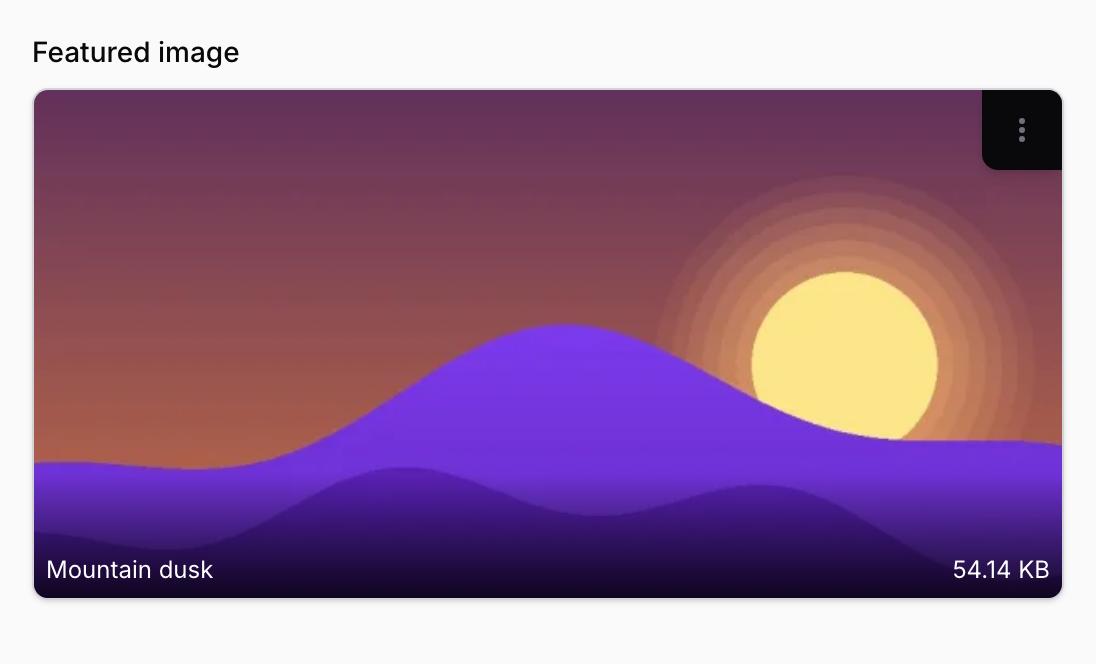
The trigger opens Curator's library in a full-screen modal, where an author picks existing media or uploads new files:
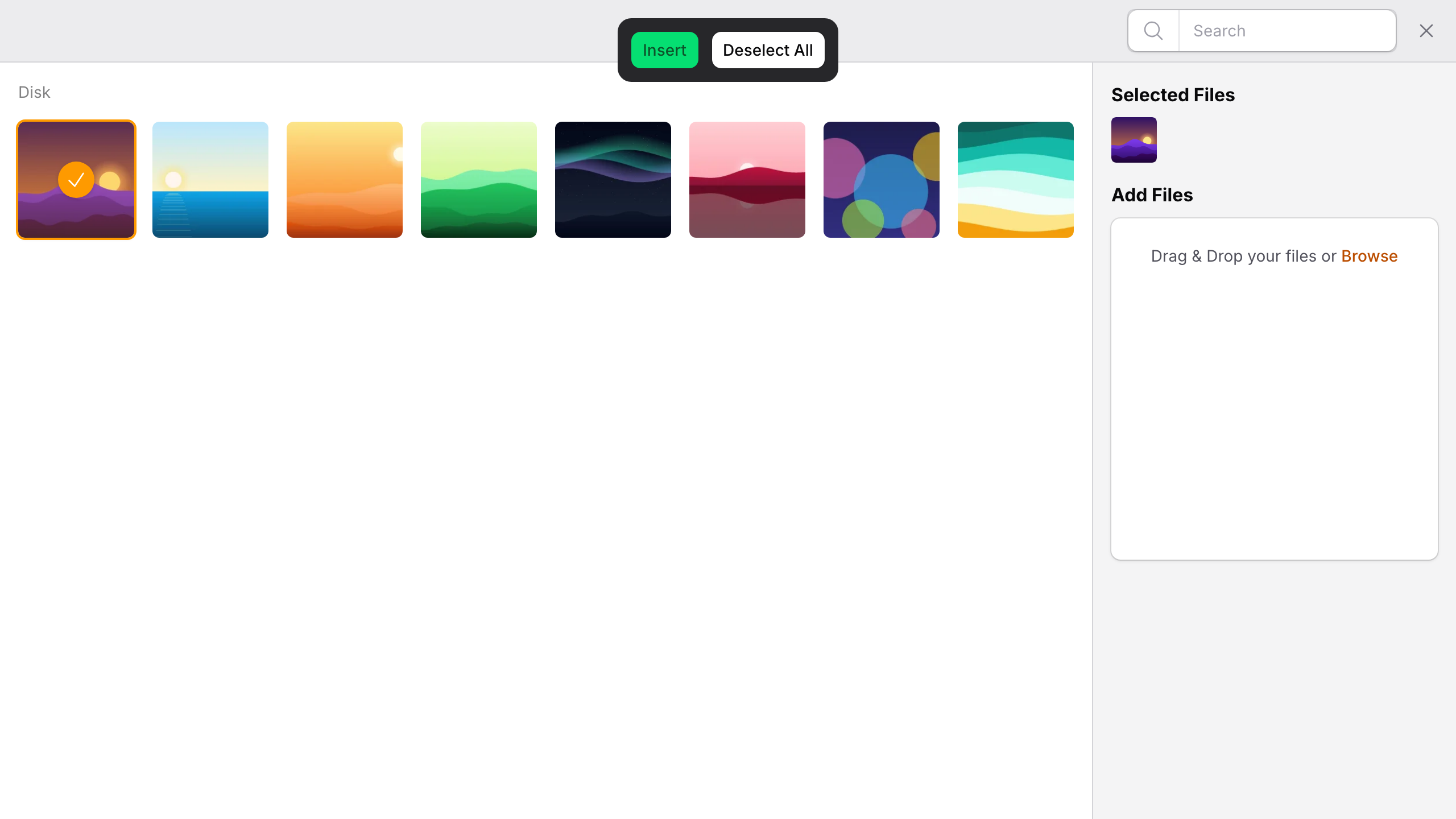
Appearance
| Method | Effect |
|---|---|
buttonLabel() |
Text on the trigger button. |
color() |
Trigger colour. Defaults to gray. |
outlined() |
Outlined trigger. Defaults to true. |
size() |
Trigger size, taking a Size enum case. |
constrained() |
Fits the image inside the preview area. Defaults to false. |
listDisplay() |
Shows selections as a list instead of a grid. Off unless you call it. |
lazyLoad() |
Lazy-loads previews. Off unless you call it. |
defaultPanelSort() |
Sort direction for the picker panel. Defaults to desc. |
Selection and storage
| Method | Effect |
|---|---|
multiple() |
Allow more than one item. Required when using a relationship with multiple media. |
maxItems() |
Cap how many items can be selected. |
relationship() |
Bind to a relationship — see Relationships. |
orderColumn() |
Rename the order column used by multiple relationships. Defaults to order. |
pathGenerator() |
Where uploads are written — see Path generation. |
limitToDirectory() |
Restrict the picker to its directory() and the folders below it — see What a picker lists. Without it, the features.directory_restriction config value decides, which is off by default. |
tenantAware() |
Scope to the current tenant. Without it, the features.tenancy.enabled config value decides, which is off by default. |
Uploads also accept the familiar Filament methods — preserveFilenames(), minSize(), maxSize(), rules(), acceptedFileTypes(), disk(), visibility(), directory(), imageCropAspectRatio(), imageResizeMode(), imageResizeTargetWidth() and imageResizeTargetHeight(). See Filament's file upload documentation for what each does.
rules() validates the picker's selection, and its rules that describe a single file, such as dimensions:min_width=1200 or mimes:jpg,png, also apply to each upload. Rules about the selection itself, such as required, min and max (which count selected items here, not kilobytes), don't apply to uploads. Use minSize() and maxSize() for file sizes.
To limit image dimensions, reject uploads with a dimensions rule, or have the browser shrink them before upload instead:
use Awcodes\Curator\Components\Forms\CuratorPicker;

// Reject images wider than 2000px.
CuratorPicker::make('featured_image_id')
    ->rules(['dimensions:max_width=2000']);

// Or scale them down to 2000px wide before they are uploaded.
CuratorPicker::make('featured_image_id')
    ->imageResizeMode('contain')
    ->imageResizeTargetWidth('2000');
maxWidth() isn't an upload limit. It's Filament's layout method, which sets how wide the field itself is.
A picker that holds one item accepts one upload at a time, and uploading replaces the current selection.
The media panel takes these settings from the picker when it opens, and they can't be changed from the browser while it's open. Uploads go to the picker's directory(), or to an existing folder the user has browsed into. If you render the curator-panel Livewire component yourself, pass its configuration through the settings array when you mount it; setting its properties from the browser afterwards is rejected. When media is inserted, the panel sends the picker the stored records for the selected ids.
Note
acceptedFileTypes() defaults to Curator's own safe list rather than allowing everything — see Accepted file types.
What a picker lists
A picker only works with the media its own settings allow:
-
Its disk. Media stored on another disk isn't listed, even when it has the same directory.
-
The types it accepts.
acceptedFileTypes()applies to the library as well as to uploads, and in the same way:image/*matches any image, SVG included, but a wildcard never matches a type that can run script, such astext/htmlundertext/*. List a type exactly to include it. -
The current tenant, when tenancy applies. With
tenantAware()(or thefeatures.tenancy.enabledconfig value), the picker filters on the tenant itself. When Curator's media resource is registered on the tenant panel, Filament's own tenant scope applies as well. -
Its directory, with
limitToDirectory(). The panel opens in the picker'sdirectory()and can't leave it: the disk and the folders above aren't offered, and search, the folder list and uploads stay within it and the folders below it. WithoutlimitToDirectory(),directory()is only where the panel opens and where uploads go.Slashes around the directory are ignored, so
directory('uploads/')isuploads. Directory names are case-sensitive: a picker limited touploadsdoesn't listUploadsorUPLOADS/2024. (On SQL Server, the match follows the column's collation.) A picker limited to its directory whosedirectory()is empty, for example from a closure that returnsnull, lists nothing and takes no uploads, rather than falling back to the whole disk. To let a picker use the whole disk, don't limit it.
The library listing, search, folder list, insert and download in the panel all use these settings. The picker checks a selection against them too, while keeping what a record already has:
- New selections must match. Media the panel sends back is looked up again, so the picker holds the stored records, and saving a selection that adds media outside these settings, or media that doesn't exist, fails validation on the field.
- Previously saved media is kept. Media already saved on the record keeps loading, displaying and saving even if the field's settings have changed since, for example a PDF saved before
acceptedFileTypes()was narrowed, media on a disk the field no longer uses, or a folder outside a laterlimitToDirectory(). Saving the form for another reason doesn't remove it, and the author can still remove it themselves. What counts as saved is read from the record in the database, never from the form's state: the column or relationship the field saves to, or, for a picker inside a repeater, builder or group that stores its state in a JSON column, the values at exactly the picker's place in that column: its key in each repeater item, or in each builder item of the picker's own block. Values stored anywhere else in the column, or in a column of the same name elsewhere on the record, don't count. Where the picker's place can't be told for certain, such as inside a simple repeater or a custom component with its own state path, nothing counts as saved, and previously saved media outside the field's settings is left out. The same applies to a picker inside a block, repeater, group or other component that isn't always visible, one with avisible()orhidden()condition such asvisibleOn()orwhenTruthy(): a builder saves the items of a block hidden from the current user without checking them, so what such a column holds can't be trusted. Pickers that share a state path, such as two pickers of the same name in one repeater item shown under different conditions, share what counts as saved. In an action's modal, only an edit action's fields count as filled from the record. - Tenant and existence always apply. An id that belongs to another tenant, or whose media has been deleted, is never loaded, even if it's saved on the record.
A form without a saved record, such as a create form, has nothing saved yet, so everything in it is a new selection.