Table column
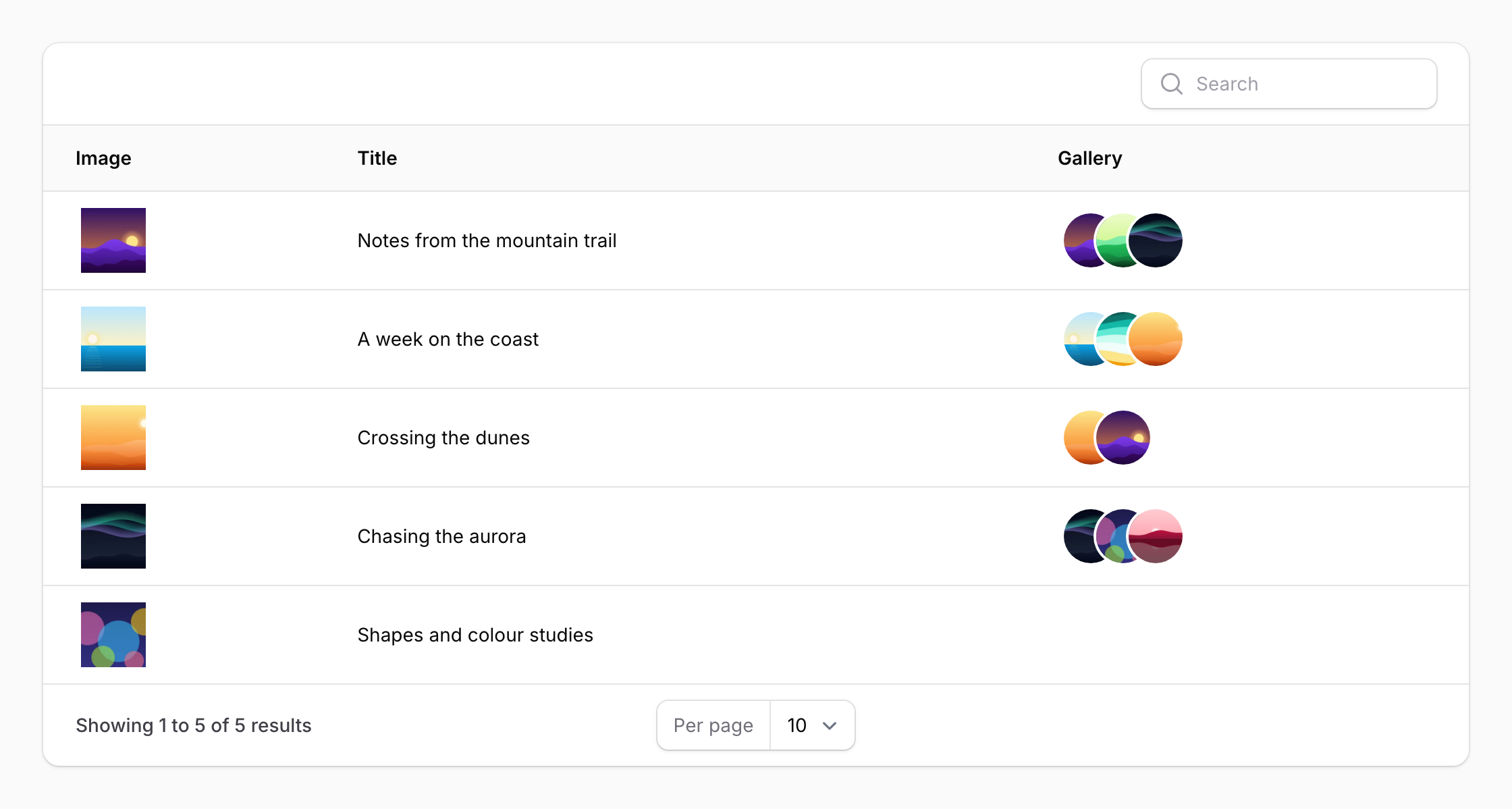
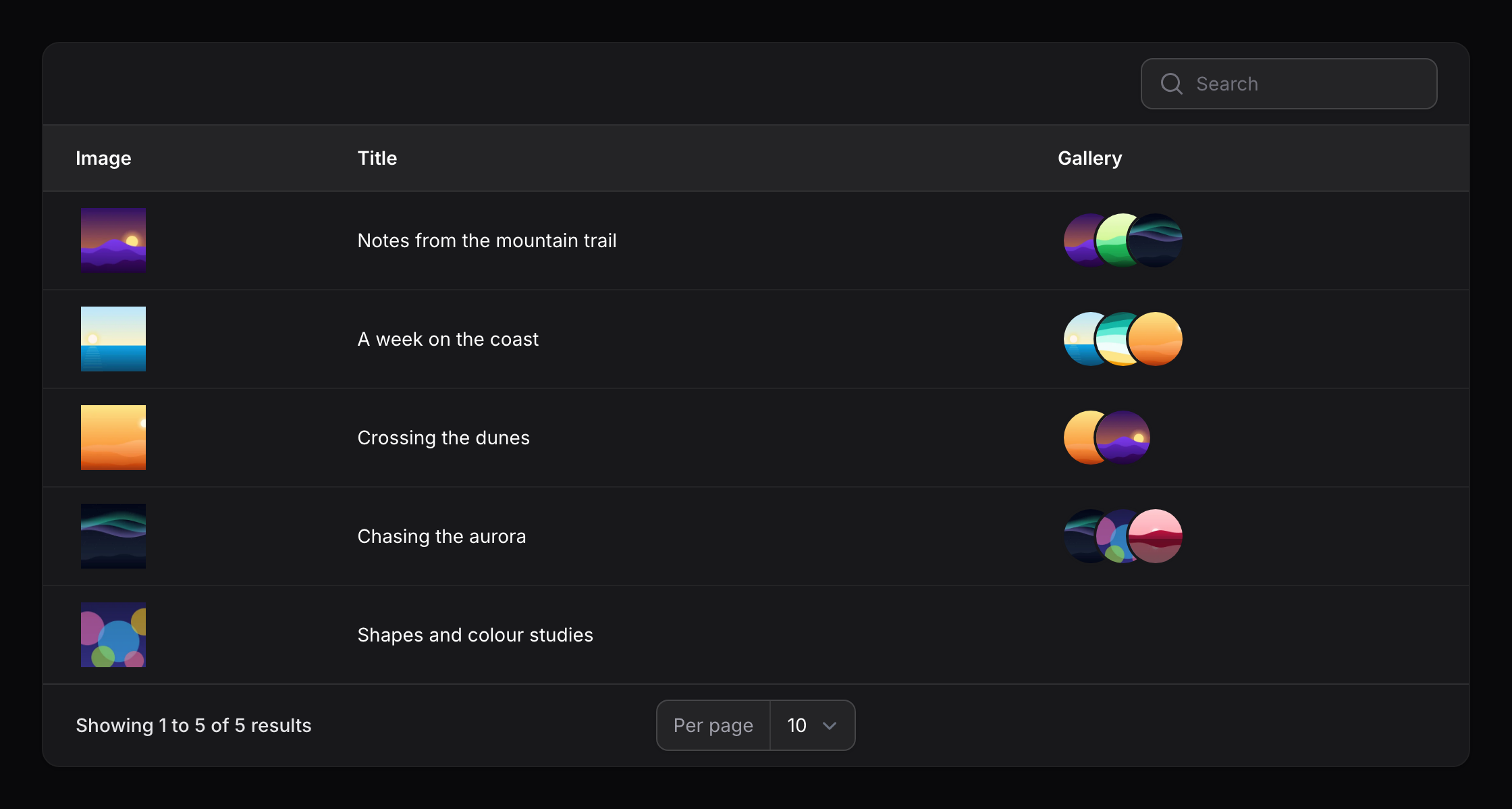
CuratorColumn renders media in a table. It extends Filament's ImageColumn, so everything that works there works here.
use Awcodes\Curator\Components\Tables\CuratorColumn;

CuratorColumn::make('featured_image')
    ->size(40);
Sharper images
By default the column shows each image's thumbnail. resolution() requests the image from Glide at the column's display size multiplied by the given factor instead, so it stays sharp on high-density screens:
use Awcodes\Curator\Components\Tables\CuratorColumn;

CuratorColumn::make('featured_image')
    ->size(40)
    ->resolution(2);
This needs a width or height on the column. Images Glide can't resize, such as SVGs and documents, keep their thumbnail, and so does every image when a custom URL provider is configured.
Multiple images
For a relationship holding several images, control how many are shown and how they stack:
use Awcodes\Curator\Components\Tables\CuratorColumn;

CuratorColumn::make('product_pictures')
    ->ring(2)
    ->overlap(4)
    ->limit(3);
ring() accepts 0, 1, 2 or 4, and overlap() accepts 0, 2, 3 or 4.
Avoiding N+1 queries
A column backed by a relationship will query once per row unless you eager load it. In a panel resource's list page:
protected function getTableQuery(): Builder
{
    return parent::getTableQuery()->with(['featured_image', 'product_pictures']);
}
Or from a table class:
public static function configure(Table $table): Table
{
    return $table
        ->modifyQueryUsing(fn (Builder $query) => $query->with('media', 'gallery'));
}