Panelist
Panelist is a Filament plugin that replaces a resource's standard list page with a master-detail editing layout, in the style of Gmail, Notion or Linear. The resource's records appear in a scrollable list on the left, and the selected record opens in a form editor on the right, so you can move between records and edit them without leaving the page.
Panelist reuses the form() and table() definitions your resource already has. You opt a resource in by giving it a Panelist page; nothing about the resource's schema changes.
How the layout works
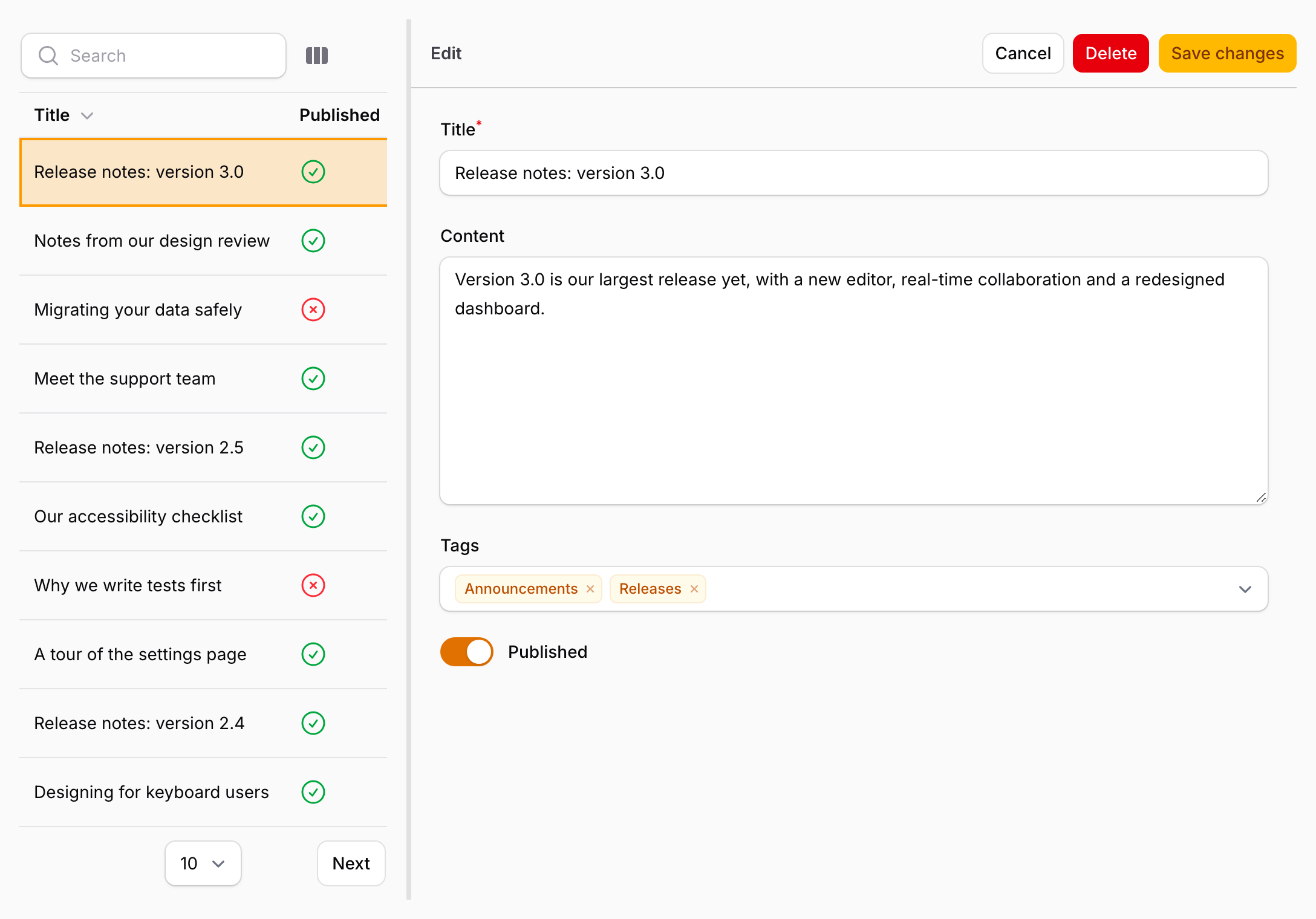
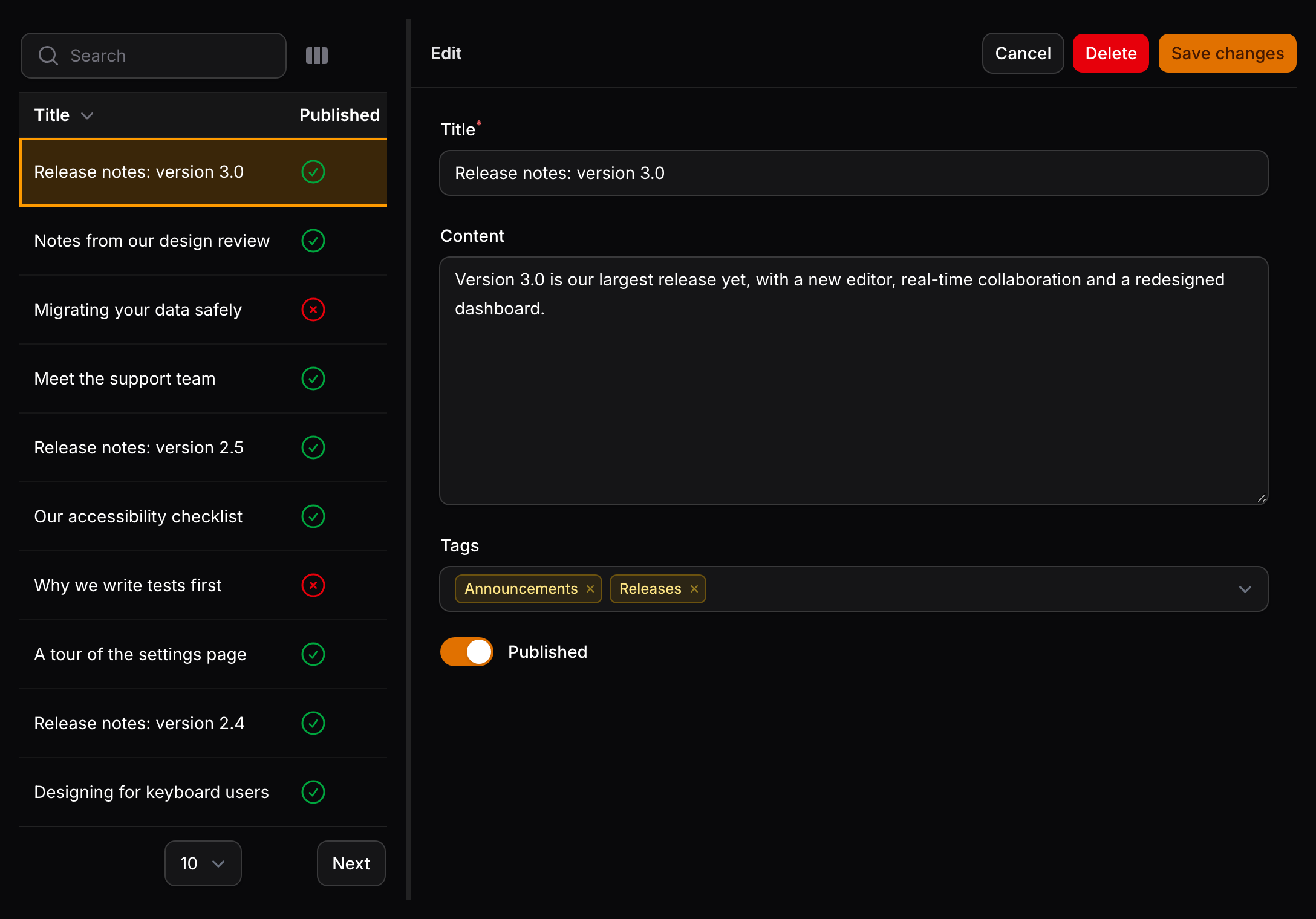
- Sidebar list — the resource's table, shown as a scrollable, searchable list. Clicking a row opens the record in the editor.
- Editor — the resource's form, filled with the selected record, or blank when you create a new one.
- Bookmarkable links — the selected record's key is kept in the query string, such as
?record=123, so a link opens the same record. - Resizable panels — drag the divider between the panels to change the sidebar's width. Panelist remembers the width in the browser.
- Keyboard navigation — move through the list, open, create and save records from the keyboard.
The editor respects your resource's authorization and query scoping: it only offers actions the user is allowed to take, and only loads records the resource's query returns.
Next steps
- Installation — install the package and add its styles to your theme.
- Usage — register the plugin and give a resource a Panelist page.
- Keyboard shortcuts — the bindings and when they apply.
- Customizing the editor — change how records are filled and saved.
- Configuration — the sidebar width and keyboard shortcut settings.