Keyboard shortcuts
Panelist lets you work through records from the keyboard. Shortcuts are enabled by default.
| Shortcut | Action |
|---|---|
↓ / j |
Move to the next record in the list |
↑ / k |
Move to the previous record in the list |
Enter / o |
Open the highlighted record |
c |
Create a new record |
Cmd / Ctrl + S |
Save the current record |
Escape |
Close the editor without saving |
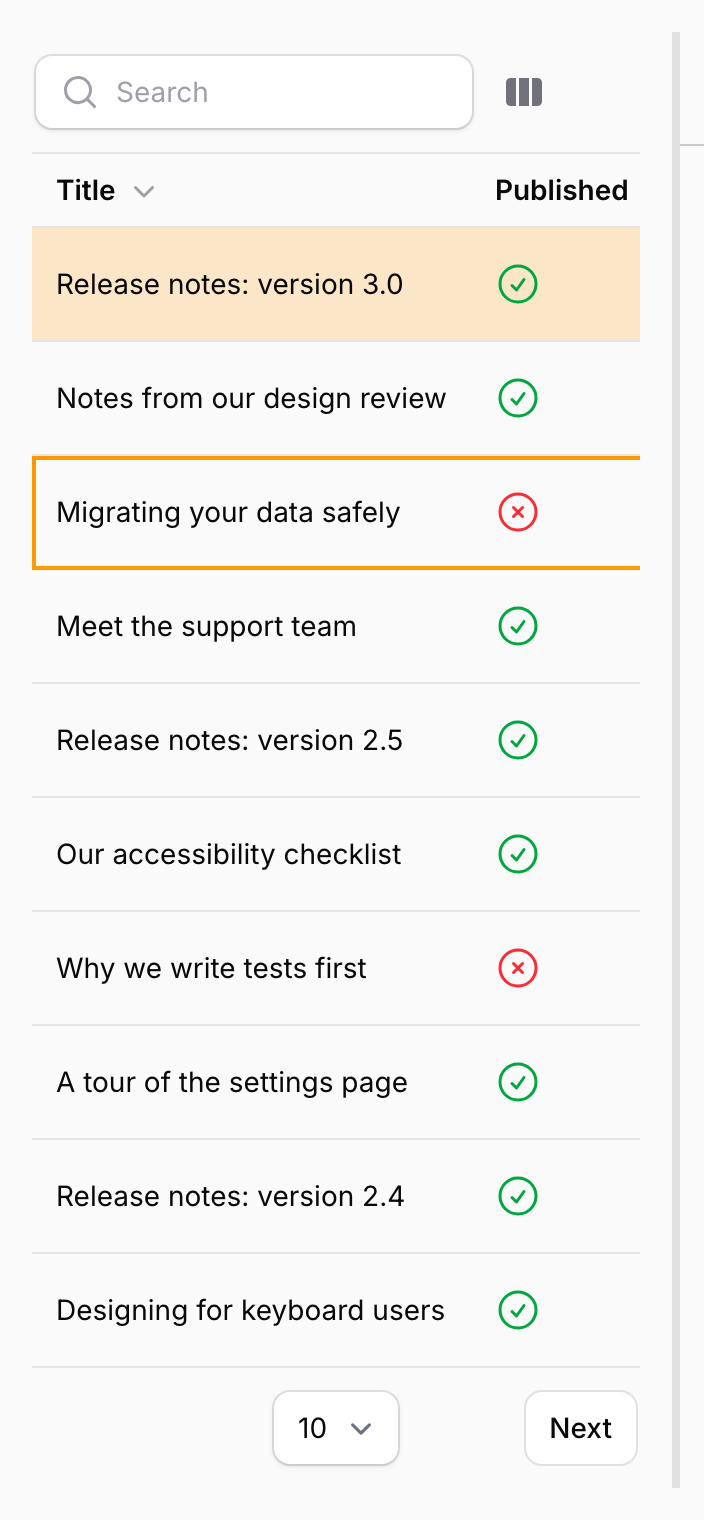
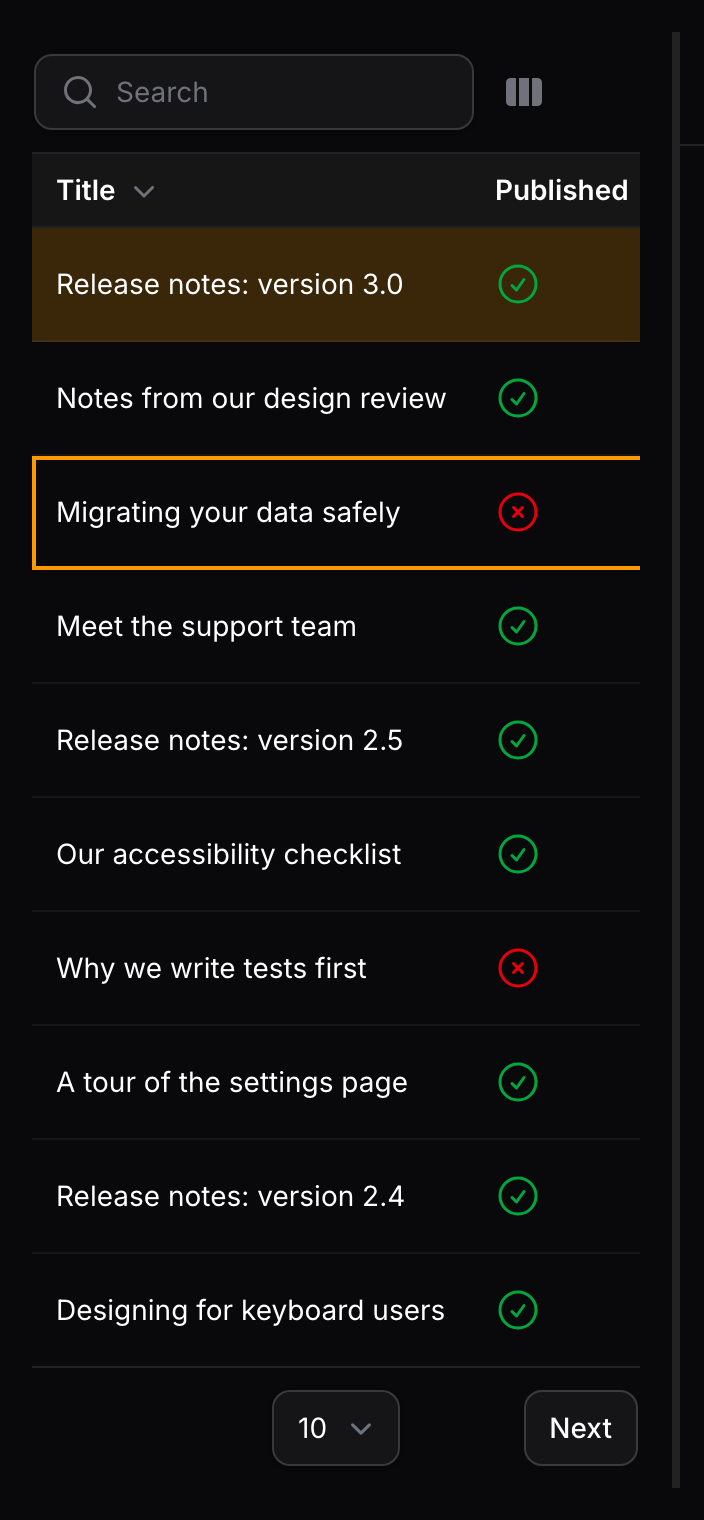
Moving through the list highlights a row without opening it; press Enter or o to open the highlighted record in the editor.
When shortcuts apply
The shortcuts are designed not to get in the way of editing:
- Single-key shortcuts are ignored while you type in a field or while a modal is open.
Cmd / Ctrl + Sworks from inside fields, so you can save without leaving the form.Escapeonly closes the editor when focus is outside a field and no modal is open. Inside a modal,Escapecloses the modal and leaves the editor as it was.Enteron a focused button presses that button rather than opening a record.cdoes nothing when the user is not allowed to create records.
Browsers reserve Cmd / Ctrl + N for opening a new window, which is why creating a record uses c.
Disabling shortcuts
Turn the shortcuts off for one panel with the plugin's fluent API:
PanelistPlugin::make()
    ->keyboardShortcuts(false)
To turn them off everywhere, set the enable_keyboard_shortcuts option described in Configuration.