Colors, legends and tooltips
Colors
Heatmaps are colored with a Filament color name, primary by default:
// Widget
protected string $color = 'success';

// Entry
TileHeatmapEntry::make('racks')->color('success');
Any color registered with Filament works, including your panel's custom colors. Each level uses a shade of that color, chosen separately for light and dark mode, so heatmaps follow the panel's theme without any hex values. There is no continuous color interpolation: every cell uses one of the five level colors.
The labels drawn on tiles take whichever of white, black, or the color's darkest shade meets a 4.5:1 contrast ratio against the tile, so they stay readable in every Filament palette.
Units
Set the singular unit each value counts. It is pluralized to match the value in tooltips
and descriptions, so 1 order and 42 orders:
// Widget
protected ?string $unit = 'order';

// Entry
CalendarHeatmapEntry::make('activity')->unit('order');
Without a unit, values are shown as plain numbers.
Legend
Every heatmap shows a legend of its five levels between "Less" and "More". To change the
labels, override getLegendLessLabel() and getLegendMoreLabel() on a widget:
protected function getLegendLessLabel(): ?string
{
    return 'Cool';
}

protected function getLegendMoreLabel(): ?string
{
    return 'Hot';
}
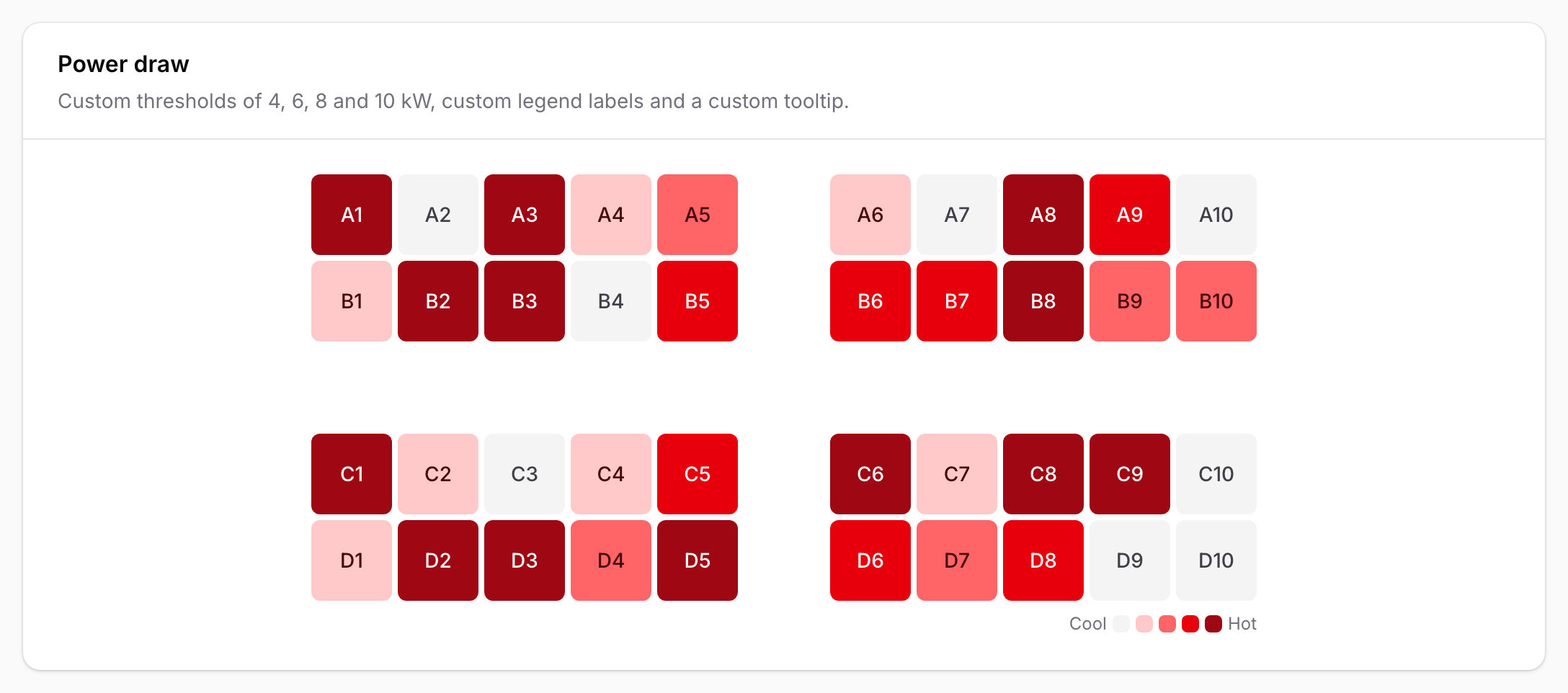
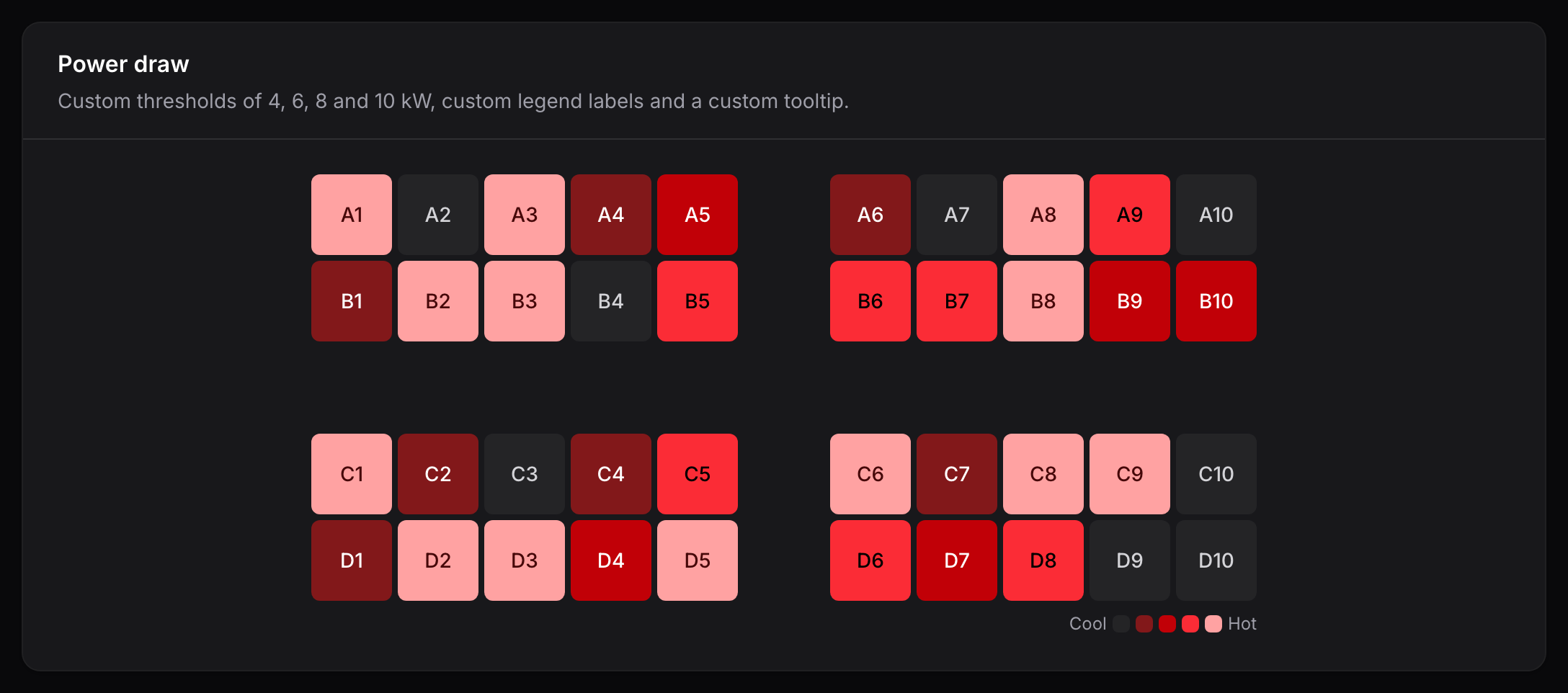
or use legendLabels() on an entry:
TileHeatmapEntry::make('power')->legendLabels('Cool', 'Hot');
To hide the legend, set protected bool $hasLegend = false; on a widget, or call
legend(false) on an entry.
Tooltips
Every cell has a default tooltip, such as 42 orders on Oct 6, 2026 on a calendar or
California — 1,284 leads on a tile. To replace it, override getCellTooltip() on a widget.
It receives the resolved HeatmapCell and returns a string, or null to keep the default:
use Awcodes\Thermal\Support\HeatmapCell;

protected function getCellTooltip(HeatmapCell $cell): ?string
{
    return "{$cell->getLabel()}: {$cell->getFormattedValue()} kW";
}
On an entry, use cellTooltip(). The closure receives the cell as $cell:
TileHeatmapEntry::make('racks')
    ->cellTooltip(fn (HeatmapCell $cell): ?string => $cell->hasValue()
        ? "{$cell->getLabel()}: {$cell->getFormattedValue()}% CPU"
        : null);
The entry method is named cellTooltip() because Filament entries already have a
tooltip() method for the entry itself.
A HeatmapCell exposes:
| Method | Returns |
|---|---|
getKey() |
The cell's key, such as 2026-10-06 or CA. |
getValue() |
The numeric value, or null when the cell has no data. |
hasValue() |
Whether the cell has a value. |
getLevel() |
The intensity level, from 0 to 4. |
getLabel() |
The date or the tile's full name, such as October 6, 2026 or California. |
getFormattedValue() |
The value with its unit, such as 1,284 leads, or null without a value. |
isSelected() |
Whether the cell is selected in an interactive widget. |
Tooltips appear on hover. The same information is always available to screen readers; see Interaction and accessibility.
Dark mode
Heatmaps follow Filament's dark mode automatically. In dark mode the level shades are reversed, so higher levels are lighter and stand out against the dark background.