Calendar
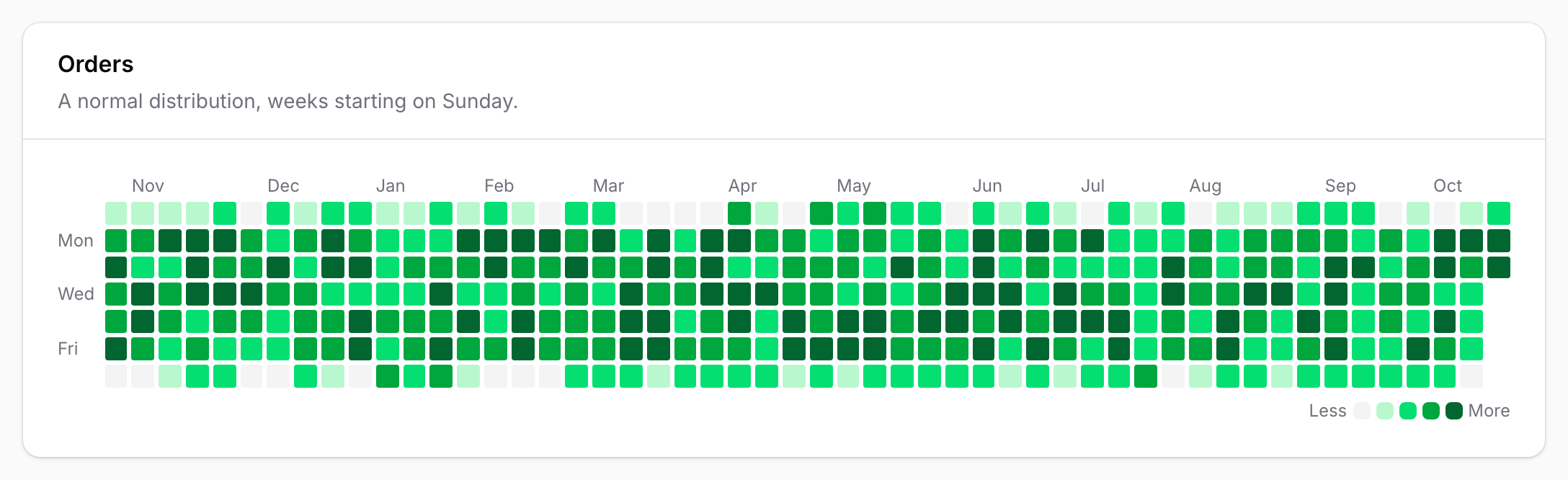
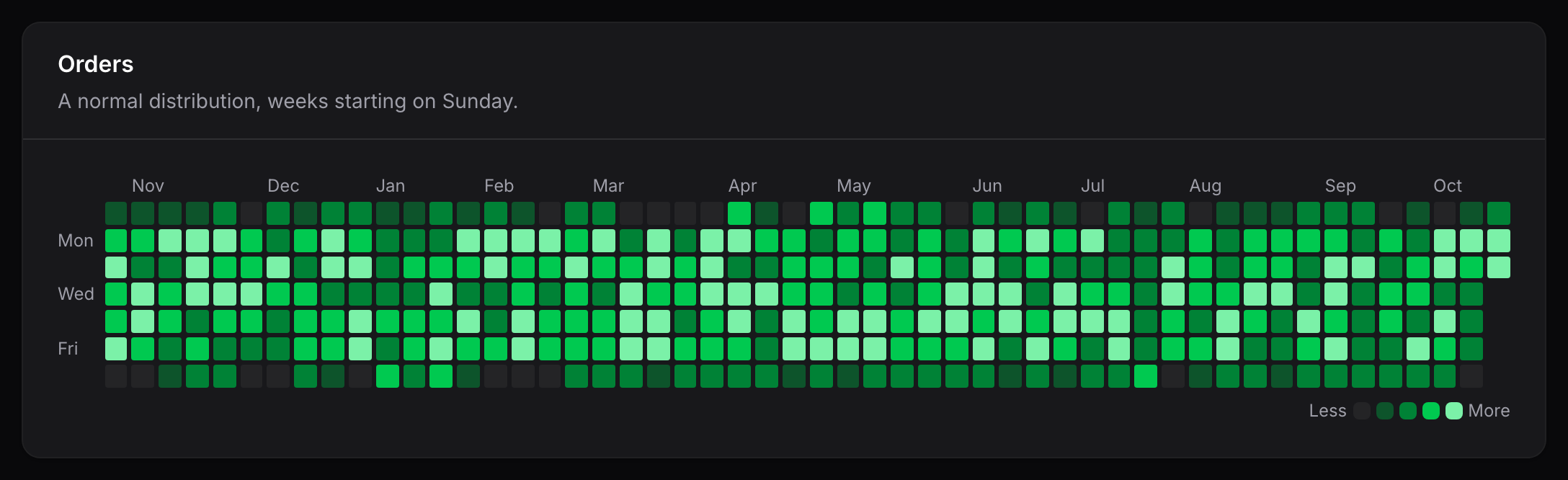
The calendar heatmap shows one column per week and one row per weekday, ending on today by default. It is built from values keyed by date:
['2026-10-01' => 4, '2026-10-02' => 17]
See Data and scaling for how keys and values are interpreted.
Widget
Extend CalendarHeatmapWidget and return your data from getData():
use App\Models\Order;
use Awcodes\Thermal\Widgets\CalendarHeatmapWidget;

class OrdersHeatmap extends CalendarHeatmapWidget
{
    protected ?string $heading = 'Orders';

    protected ?string $description = 'Orders placed per day.';

    protected string $color = 'success';

    protected ?string $unit = 'order';

    protected int $weeks = 52;

    protected int $weekStartsOn = 1;

    protected function getData(): array
    {
        return Order::query()
            ->selectRaw('DATE(created_at) as date, count(*) as total')
            ->where('created_at', '>=', now()->subWeeks($this->weeks))
            ->groupBy('date')
            ->pluck('total', 'date')
            ->all();
    }
}
getData() is protected, following Filament's own chart widgets: public methods on a
Livewire component can be called from the browser.
Calendar widgets span the full width of the dashboard by default. Override $columnSpan
as you would on any Filament widget.
Options
| Property | Default | Purpose |
|---|---|---|
$weeks |
52 |
The number of week columns to show. Must be at least 1. |
$weekStartsOn |
0 |
The first day of each column, from 0 (Sunday) to 6 (Saturday). |
To end the calendar on a day other than today, override getEndDate():
use Carbon\CarbonImmutable;

protected function getEndDate(): ?CarbonImmutable
{
    return CarbonImmutable::parse('2026-06-30');
}
The options shared by every heatmap, such as $color, $unit, thresholds and the
legend, are described in Data and scaling and
Colors, legends and tooltips.
Entry
CalendarHeatmapEntry renders the same calendar inside a read-only schema, such as an
infolist on a record page or an action modal. Without data(), the entry uses its state:
use Awcodes\Thermal\Entries\CalendarHeatmapEntry;

CalendarHeatmapEntry::make('activity')
    ->data(fn (Customer $record): array => $record->dailyOrderCounts())
    ->weeks(26)
    ->weekStartsOn(1)
    ->color('success')
    ->unit('order');
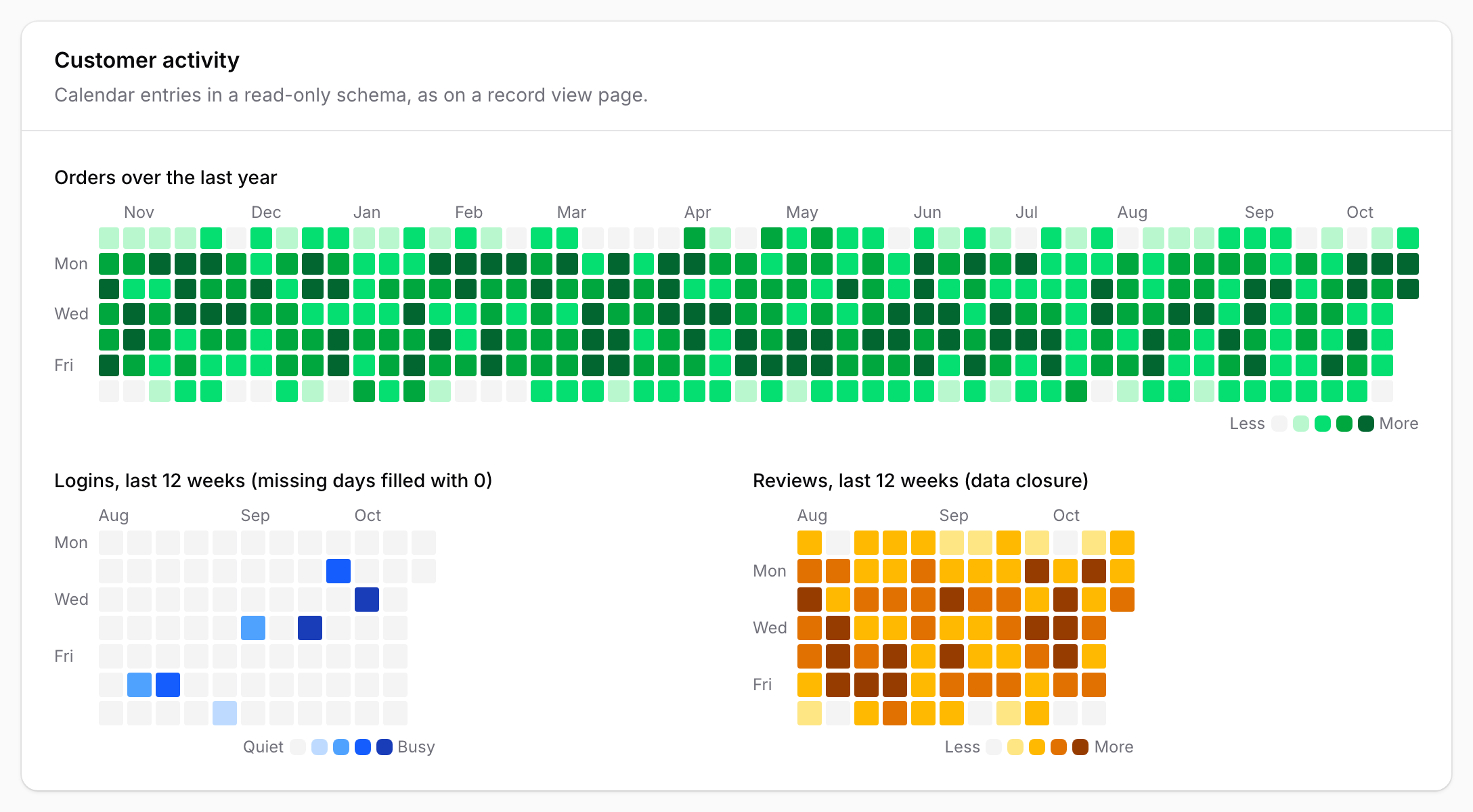
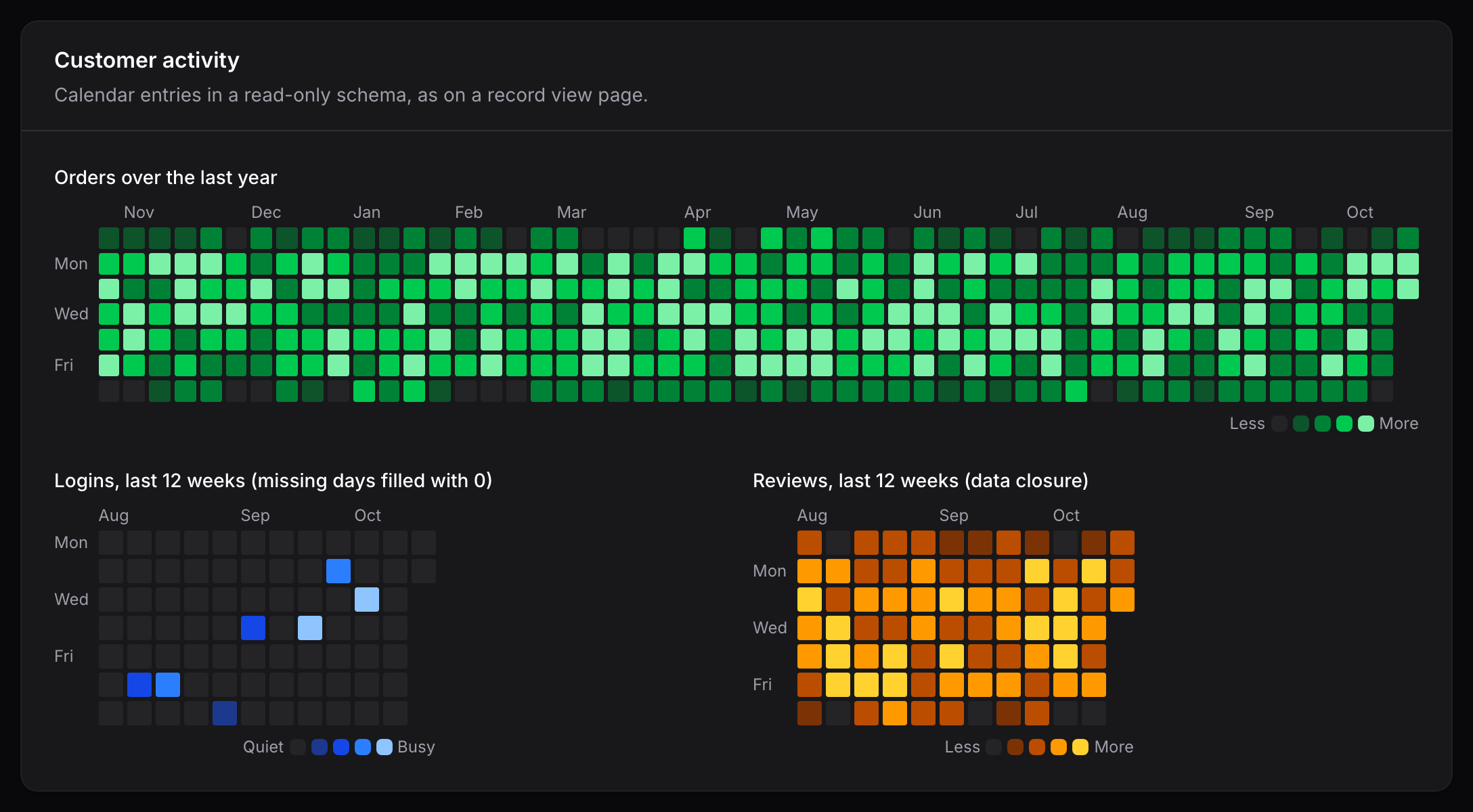
weeks(), weekStartsOn() and endDate() match the widget options above, and each
accepts a closure. Entries are read-only: selection is only available on widgets.
Labels and tooltips
Month names appear above the column where each month begins. Monday, Wednesday and Friday are labeled down the side, in whichever order the configured week start puts them.
The default tooltip reads 42 orders on Oct 6, 2026, or No data on Oct 6, 2026 for a
day without data. Days after the end date in the final week are left empty.
Responsive behavior
Cells shrink with the container down to a minimum size. When a narrow container cannot fit every week, the calendar scrolls horizontally inside its own area, starting scrolled to the most recent week. The weekday labels stay in place while it scrolls.